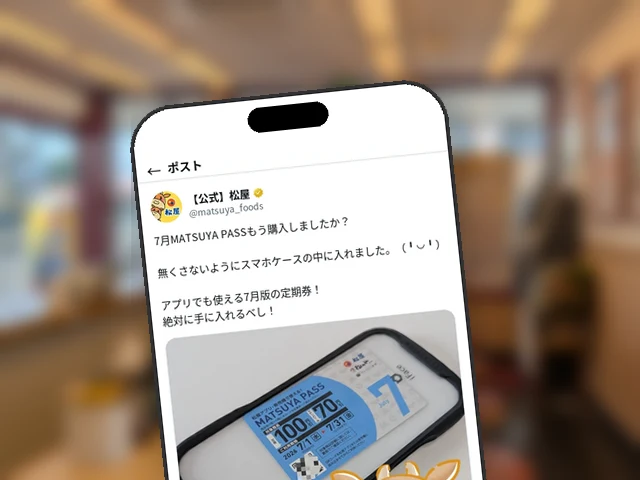

Matsuya Official X Explains How to Use MATSUYA PASS in the App: 'Coupon Tab → QR Scan'
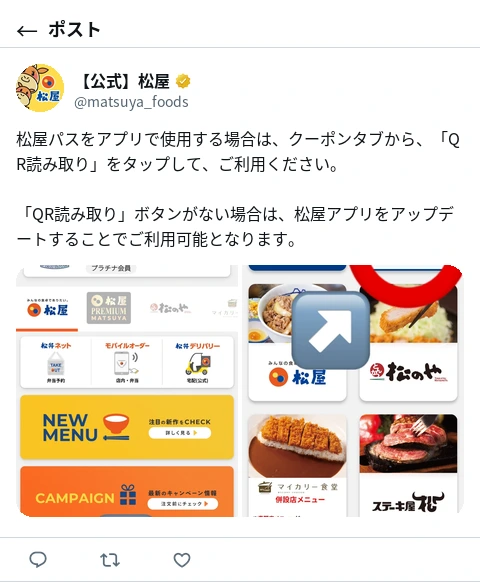
Matsuya’s official X account (@matsuya_foods) explained on July 1 how to use the MATSUYA PASS subscription pass in the Matsuya Foods official app. The process is to tap “QR Scan” from the Coupon tab in the app; if the “QR Scan” button doesn’t appear, updating the app will make it available.
Access It From the Coupon Tab
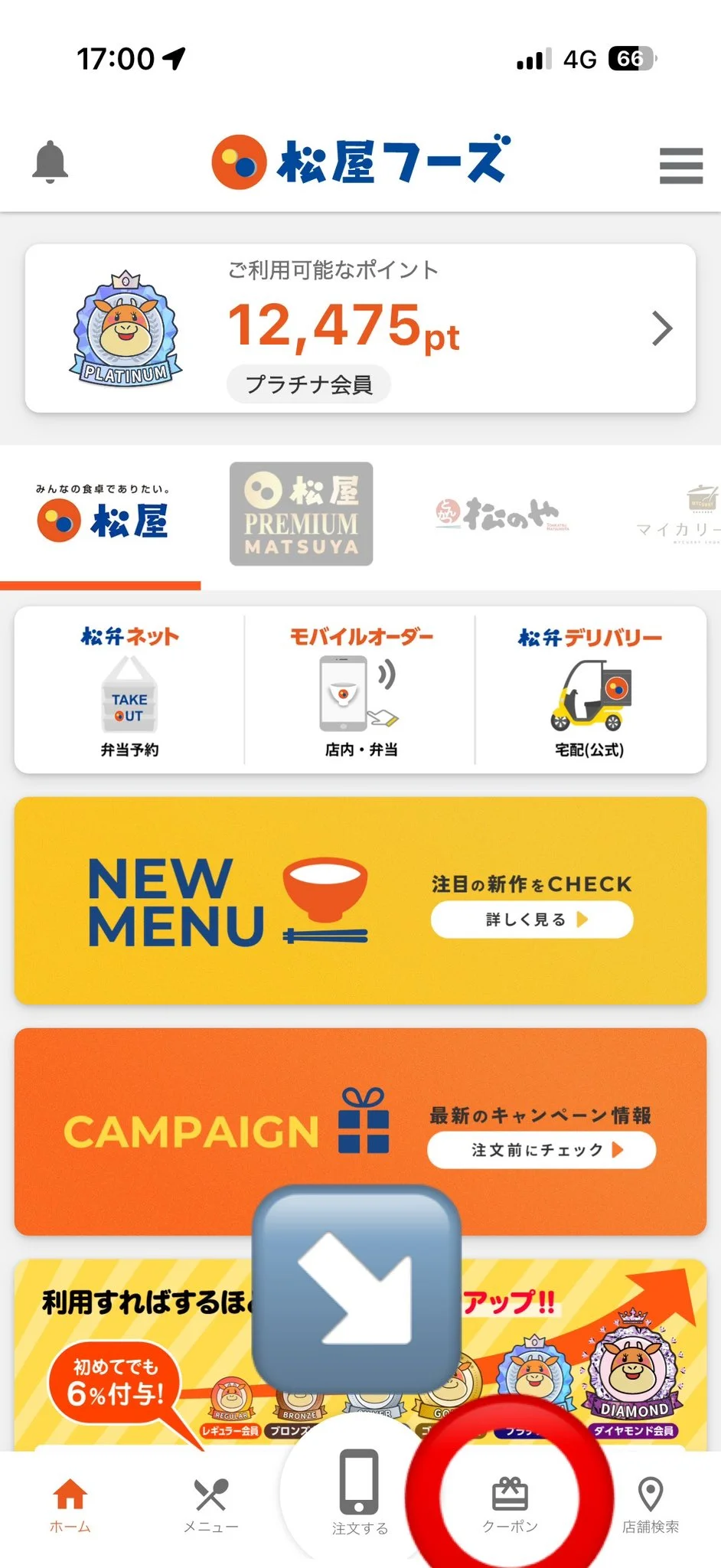
To use MATSUYA PASS in the app, first open the “Coupon” tab in the menu at the bottom of the screen. It sits toward the right side of the bottom navigation bar, alongside Home, Menu, Order, Coupon, and Store Search.
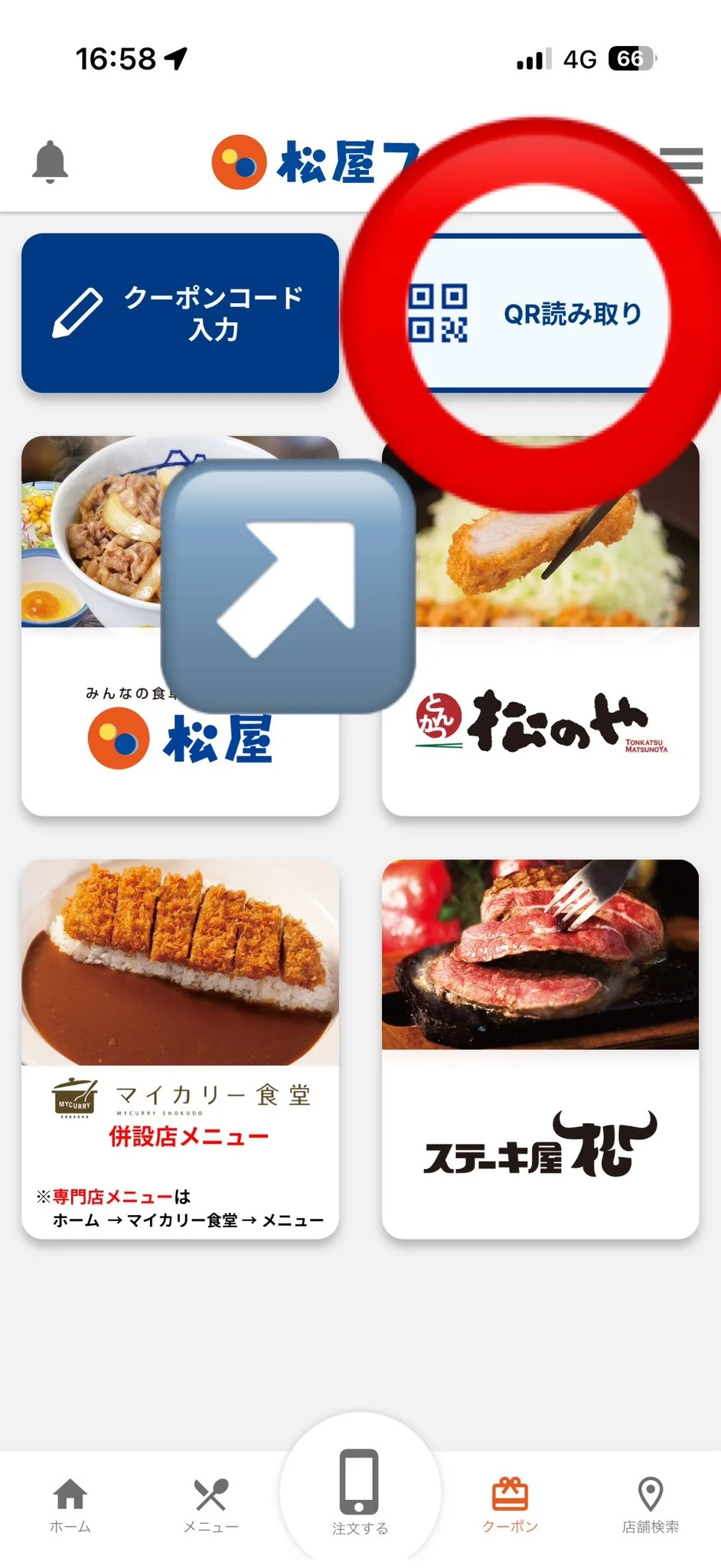
Opening the Coupon screen shows two buttons at the top: “Enter Coupon Code” and “QR Scan.” To use MATSUYA PASS, tap the “QR Scan” button on the right.
If “QR Scan” Doesn’t Appear
If the “QR Scan” button isn’t visible, updating the Matsuya App to the latest version will reportedly make it appear and become usable.
The July Edition of MATSUYA PASS, Released June 26, Is Now Available
MATSUYA PASS is a subscription pass that lets purchasers buy eligible items at a discounted price. Most recently, the July edition, offering discounts of up to 100 yen, went on sale on June 26, with eligibility expanding to affiliated brands such as Matsunoya. This latest guide on using the app is a follow-up for those who have picked up the July edition.
Official Matsuya App
The official Matsuya Foods app. Coupons, mobile order and advance booking, plus points on every visit.


Editor's Note
A quick primer so you're not fumbling at the register: here's how to pull up your MATSUYA PASS. If the button's missing, an app update should fix it.
Heard ofMatsunoya's menu?
Get social-onlyfirst!
Matsunoya news, delivered
Faster thanthe of the batter
The Matsunoya appwith
Get the Android appInstall now!


Over downloadsworldwide!!
Matsuya'snews app
A news appby ,for
The app to Matsuya overa bowl of gyumeshi
Get Matsuya's to go!
Get the Android appInstall now!
Pointless articles?
Turn ,be a Matsuya pro

Gyumesy alerts
Hear about new articles first.
Related Articles
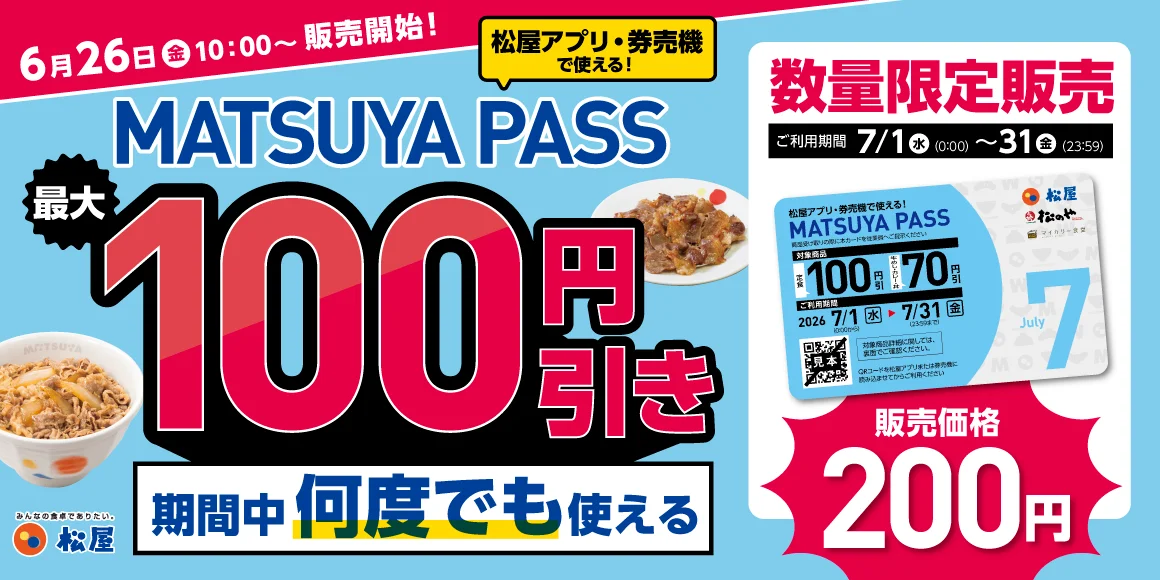
Matsuya Expands 'MATSUYA PASS' Subscription to Sister Brands Including Matsunoya, On Sale for 200 Yen Starting June 26
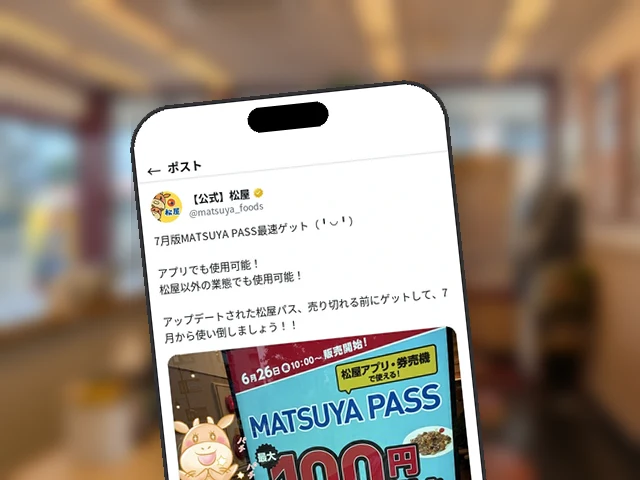
Matsuya Official X Announces MATSUYA PASS July Edition Goes on Sale Today at 10 AM for Up to 100 Yen Off, Urges Fans to Be the Fastest to Get It