Matsuya's Official X Posts Video Guide to Using MATSUYA PASS App for ¥70–100 Off Staples
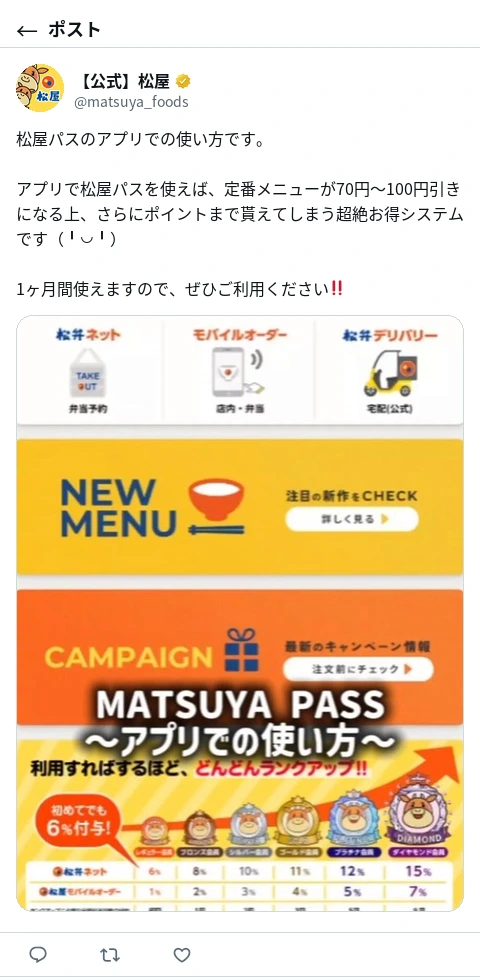
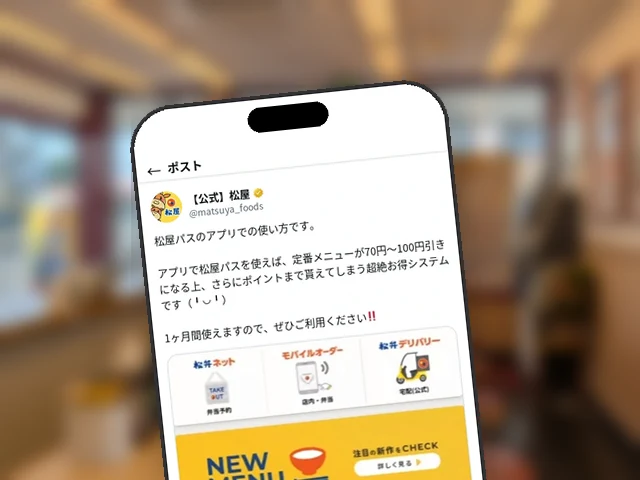
On July 1, Matsuya’s official X account (@matsuya_foods) posted a roughly 25-second video walking through actual on-screen steps for using the MATSUYA PASS subscription pass in the official Matsuya Foods app. It shows the full flow from start to placing an order: opening the “Coupon” tab in the app, scanning the pass’s QR code via “QR Scan,” and then having the discount applied to an order placed through Matsuben Net or Matsuya Mobile Order.
From the Coupon Tab to Scanning the QR Code
The video opens with the title “MATSUYA PASS – How to Use It in the App” and begins on the app’s home screen. The first step shown is selecting the “Coupon” tab in the bottom menu bar. It sits toward the right side of the navigation bar, alongside Home, Menu, Order, Coupon, and Store Search.
Switching to the Coupon screen brings up two buttons at the top: “Enter Coupon Code” and “QR Scan.” The video highlights “QR Scan” on the right with a red circle, prompting the viewer to select it.
The camera then opens and scans the QR code on the physical MATSUYA PASS. The video shows the actual blue-toned pass, with text on its face reading things like “Set Meal ¥100 off” and “2026 7/1 (from 0:00).” It shows, using real device footage, the entire process of holding the camera over the pass to scan the code.
After Scanning: Order via Matsuben Net or Mobile Order
Once scanning is complete, the app moves to the “MATSUYA PASS July” screen, where the actual ordering begins. Two routes are shown: “Matsuben Net,” for placing an order in advance for takeout, and “Matsuya Mobile Order,” for use in-store. Mobile Order is further split into “Dine In” and “In-Store Takeout,” and in both cases the customer selects a store before ordering. The screen also carries a note reading, “Please confirm your order after arriving at the store.”
Discount Amounts, Eligible Items, and Point Rewards
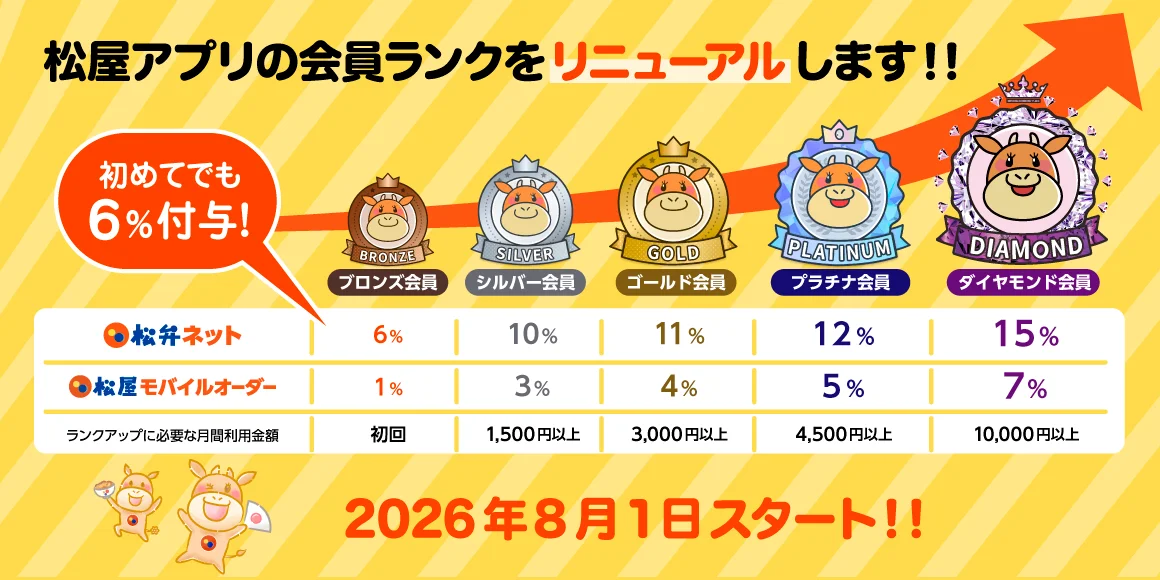
The same screen also spells out the discount details for the July edition of the pass. Set Meals get ¥100 off, while Beef Bowl, Curry and Rice, and Bowl items get ¥70 off, valid from 0:00 on Wednesday, July 1, 2026 through 23:59 on Friday, July 31, 2026. The post’s text notes that “classic menu items get ¥70 to ¥100 off, and on top of that you even earn points,” highlighting that points are awarded in addition to the discount. Orders placed through Matsuben Net and Matsuya Mobile Order raise the customer’s membership rank based on usage history, which in turn increases the point rate — a mechanic also shown at the start of the video, where rewards grow as rank rises.
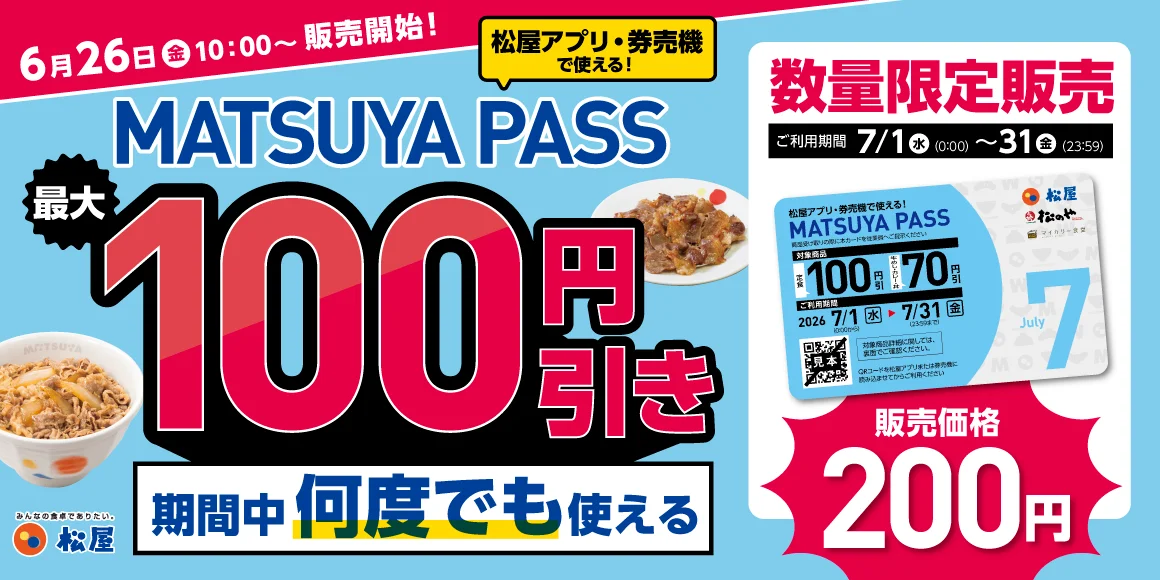
Earlier the same day, another post used still images to walk through the same steps for opening “QR Scan” from the “Coupon” tab in the app. This latest post builds on that by showing the full sequence in video form, including scanning the physical pass and moving on to placing an order. The July edition of the MATSUYA PASS went on sale on June 26, with eligibility now extended to affiliated brands such as Matsunoya.
Official Matsuya App
The official Matsuya Foods app. Coupons, mobile order and advance booking, plus points on every visit.


Editor's Note
Knowing it's as simple as holding the pass's QR code up to the app suddenly makes it feel far less intimidating. That ¥100 discount really adds up.
Heard ofMatsunoya's menu?
Get social-onlyfirst!
Matsunoya news, delivered
Faster thanthe of the batter
The Matsunoya appwith
Get the Android appInstall now!


Over downloadsworldwide!!
Matsuya'snews app
A news appby ,for
The app to Matsuya overa bowl of gyumeshi
Get Matsuya's to go!
Get the Android appInstall now!
Pointless articles?
Turn ,be a Matsuya pro

Gyumesy alerts
Hear about new articles first.
Related Articles

Matsuya Official X Explains How to Use MATSUYA PASS in the App: 'Coupon Tab → QR Scan'
Matsuya Expands 'MATSUYA PASS' Subscription to Sister Brands Including Matsunoya, On Sale for 200 Yen Starting June 26